From shiny discs to a searchable library
My DVD ripper grew from a HandBrake wrapper into a message-bus pipeline with a server of its own. Then I lost the source and got it back with a decompiler.
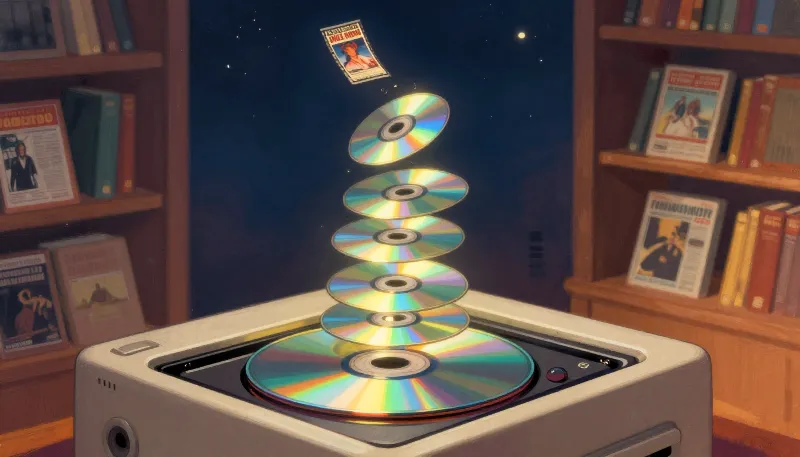
Somewhere in the house is a shelf, then a closet, then a few plastic tubs of DVDs. Ripping them isn't hard. HandBrake has made that easy for a long time. The hard part is the other 90% of the job: noticing a disc is in the drive, figuring out which movie it actually is, naming the file so the media server recognizes it, not ripping something that's already in the collection, getting it onto the server, and cleaning up. Do that by hand two hundred times and you'll write a program too.
A pipeline of small components
The Windows app, DvdRipperGUI, is a set of small components that never call each other directly. They communicate over an in-process message bus, plus a request/response bus for when one component needs an answer from another. The message list reads like a checklist of the job:
LookForDVD   FindTitle   AskForTitle   CreateFilename   CheckExists
StartRipDVD  UploadFile  CleanupFile   ManualUpload     StatusUpdate
- DvdDetector waits for a disc and announces it.
- LocalTitleSearch looks up the title with TMDB, and AskForTitle pops up a dialog when the disc label is something useless like
DVD_VIDEO. There are a lot of those. - FileNamer turns the chosen title into
Title (Year).mp4, the format media servers match on the first try. - CheckInCollection asks the server whether that movie already exists before anything gets ripped.
- HandbrakeInterface drives
HandBrakeCLIand reports progress. - FileUploader and FileCleanup finish the job, and a RetryForm handles the uploads that don't.
Keeping everything on a message bus made the steps easy to reorder, skip, and test on their own. It also made a log window nearly free: every message is already a line of history.
The server side
DvdRipperServer is a tiny ASP.NET minimal API next to the movie folder. /movie?movieName=…&year=… answers "do we already have it?", /movies renders the whole collection as an HTML table (with a regex that also understands {tmdb-…} tags in names), and /upload receives the finished file. A separate worker service, DvdServerFilesystem, handles the file-management side on the server.
The /movie endpoint answers “yes” with 302 Found and “no” with 404. I'm not going to defend that choice of status codes, but it works.
The day the source went missing
This is the part I'm least proud of and most amused by. At some point the best copy of DvdRipperGUI I had was a compiled build sitting on a desktop, not the project that produced it.
So I pointed a .NET decompiler at my own DLL. .NET assemblies keep a lot of structure, so what came back was very readable. Every file in the current source still starts with a // Decompiled with JetBrains decompiler header, and I've left them there on purpose as a reminder. You can also see where the compiler got to my code first. This used to be a one-line interpolated string:
DefaultInterpolatedStringHandler interpolatedStringHandler = new DefaultInterpolatedStringHandler(3, 1);
interpolatedStringHandler.AppendLiteral(" (");
interpolatedStringHandler.AppendFormatted<int>(movie.Year);
interpolatedStringHandler.AppendLiteral(")");
string stringAndClear = interpolatedStringHandler.ToStringAndClear();
If you ever need an argument for good backups, that's one. It's also part of why the next experiment, DiscRipperNext, is a fresh Avalonia project instead of more patches. Its first real design decision is a LinuxDiscDetector class: put the one truly platform-specific piece (how do I know a disc was inserted?) behind its own boundary, and let everything else be portable.
The tubs are getting emptier. The library is getting better organized. And the next stage of this pipeline became its own project.